GTA V Port: Play GTA V Online on iPhone (1-Click) - iKurd
Learn how to play GTA 5 on your iPhone with the GTA V Port. Get the 1-click install IPA, play online multiplayer, and skip PC tools with iKurd Store.
 iKurd Store
2 min read
iKurd Store
2 min read
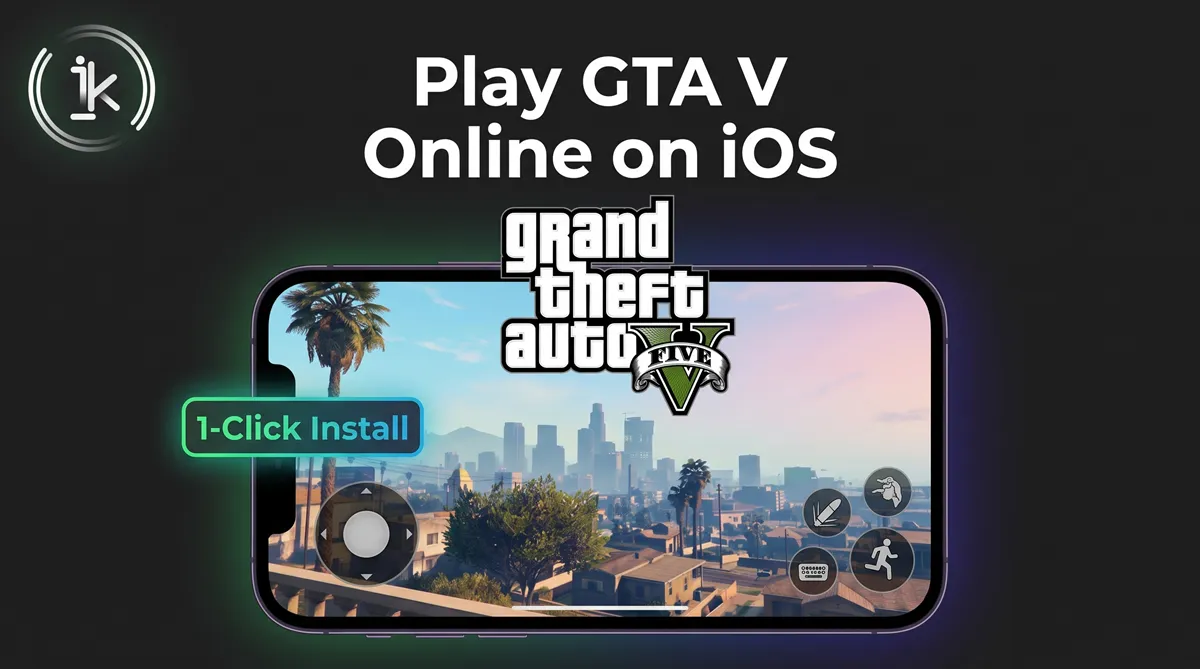
Have you ever wanted to play Grand Theft Auto V natively on your iPhone or iPad? It is no longer just a dream. Thanks to the revolutionary GTA V Port, you can now experience the full game directly on your iOS device with touch controls, high graphics, and zero lag. Best of all, iKurd Store has made the installation process entirely hassle-free. Forget about manually unzipping data folders or using a PC; we have packaged everything into a simple 1-click install!
Why Play GTA 5 on iOS using GTA V Port?
The GTA V port is the fastest and easiest way to play this game on iOS. Why is downloading it from iKurd different?
- No PC Required: Install directly from Safari.
- 1-Click Installation: We listened to our community! 94% of users hated extracting zip files. Our updated IPA merges the data and game files. Just download and play.
- Touch Controls Ready: The game comes with perfectly mapped on-screen controls for mobile.
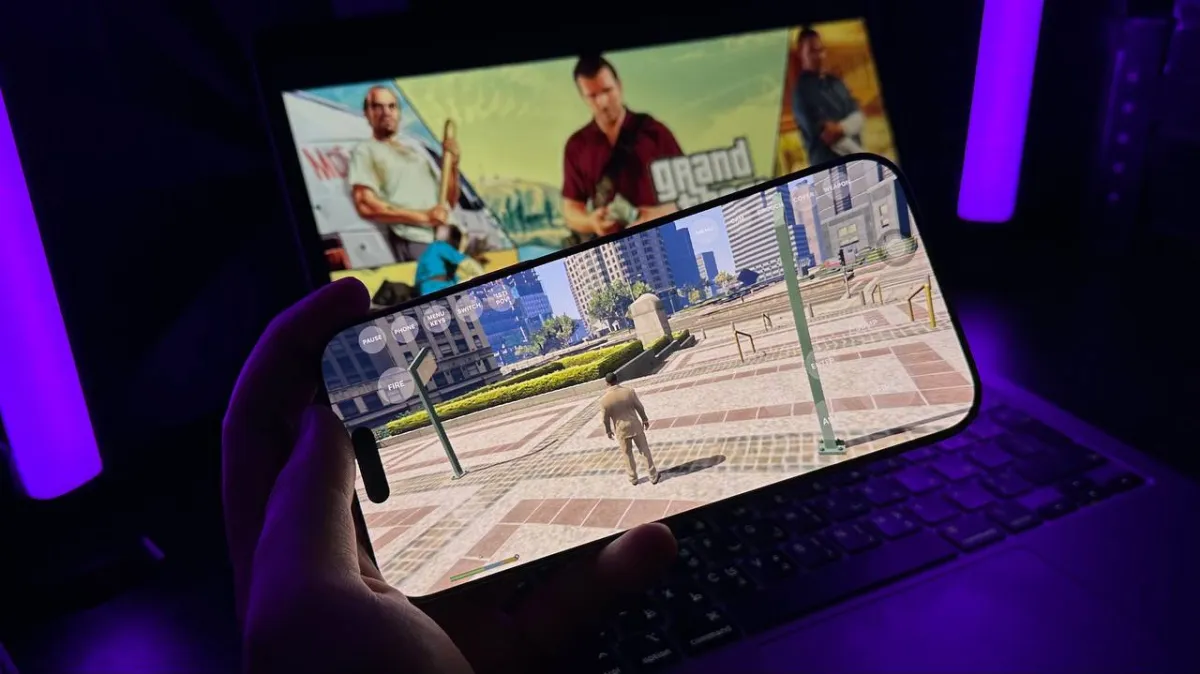
How to Install GTA V on iPhone (1-Click Method)
Ensure an active iKurd subscription
Make sure you have an active VIP or Premium subscription on the iKurd Store to access the download.
Search and download the app
Search for GTA V Port in our library and hit the download button to get the updated IPA.
Launch and play
Open the app and tap Play. No manual file extraction or PC needed; our 1-click IPA handles everything automatically!

 GTA V Port
Version 1.4.4
Get
GTA V Port
Version 1.4.4
Get
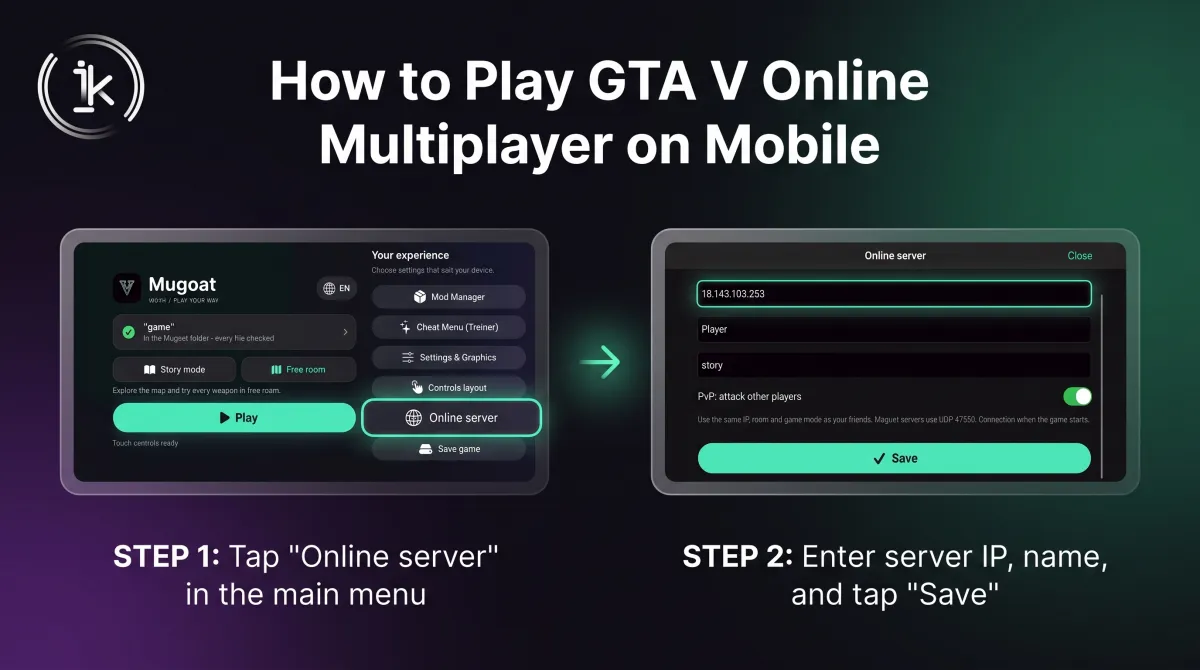
How to Play GTA V Online Multiplayer on Mobile
Did you know the GTA V Port supports multiplayer? You can join real people and your friends in online servers!
- Open the GTA V Port App on your iPhone.
- From the main menu, tap on "Online server".
- Enter the IP address of the server (e.g.,
18.143.103.253) and your Player name. - Toggle "Play online" to ON, hit Save, and start exploring!
Questions
Do I need to jailbreak my iPhone to play GTA V?
No! With iKurd Store, you can install the game without any jailbreak or Apple ID.
Is the game laggy?
The GTA V Port is highly optimized to run natively at around 30-60 FPS on modern iPhones.
Why is my game crashing?
Ensure you have enough storage (around 20GB) and use the latest updated GTA V Port app from iKurd.